Sword of the Sea Review: Is This Surfing Trip Worth It?
Sword of the Sea review explores Hoversword surfing, story, replay value, and Patch 1.6 changes to help you decide whether this short adventure is for you.
Jump to
Is Sword of the Sea Worth Playing?
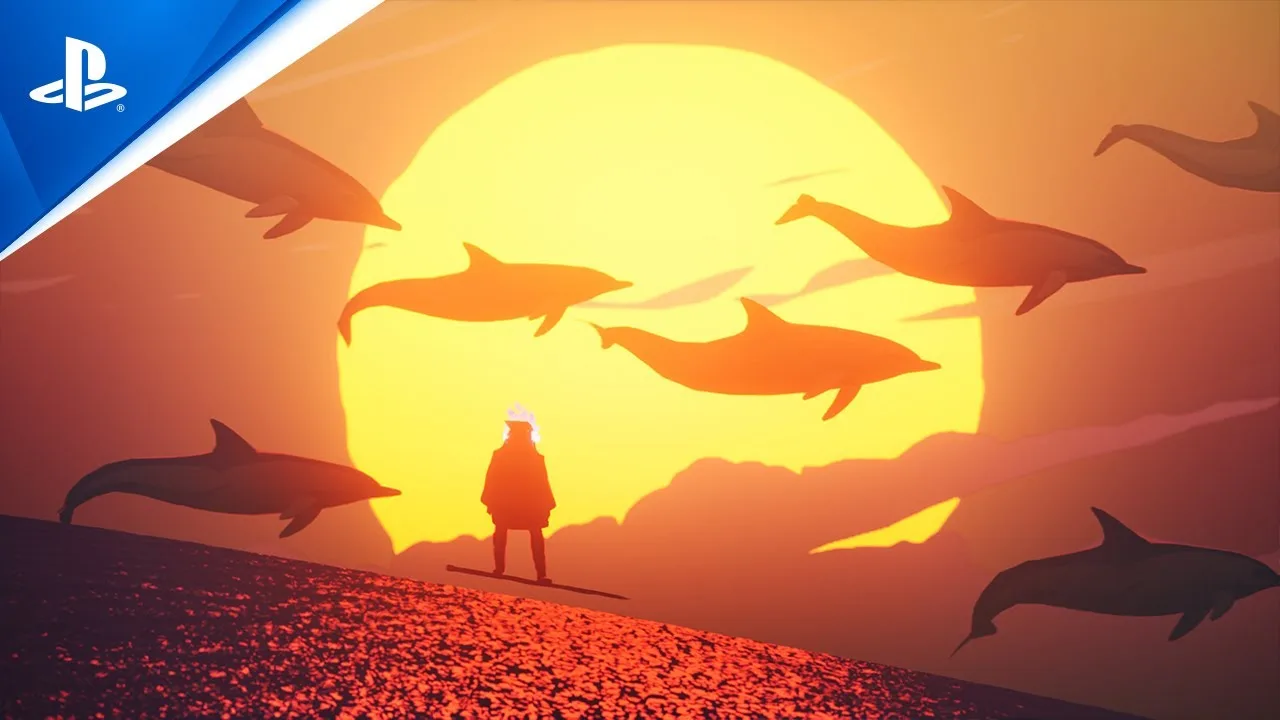
A sword that doubles as a surfboard makes a strong first impression. This Sword of the Sea review comes down to one buying decision: whether fluid movement, striking scenery, and a short adventure are what you want from your next game. Fans of Journey, ABZÛ, and The Pathless have plenty of reasons to jump in.
Giant Squid’s single-player adventure puts you in control of the Wraith, a resurrected figure traveling through a desolate world to restore its buried ocean. Your Hoversword carries you across rolling dunes, frozen terrain, and water, turning the trip between objectives into a central attraction.
The appeal is immediate: movement, scenery, and music work together to make exploration rewarding. The limitations matter, too. Environmental puzzles stay simple, some action sequences interrupt the rhythm, and the story’s emotional impact depends on how much you connect with its spare storytelling.
Hoversword Surfing Makes Exploration Worthwhile
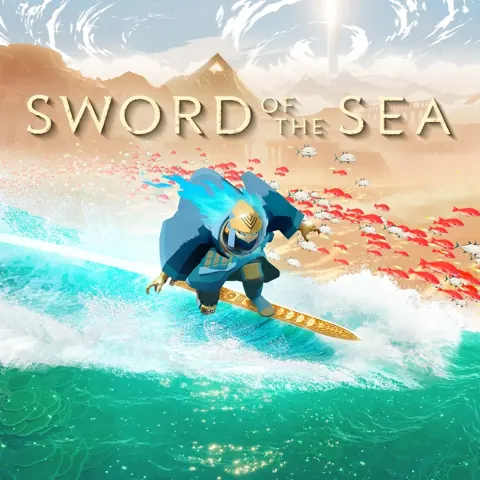
The Hoversword combines elements of skateboarding, snowboarding, and surfing. Build momentum across the terrain, launch from wave crests, grind chains, and use ramps or halfpipes to pull off flips, spins, and grabs.
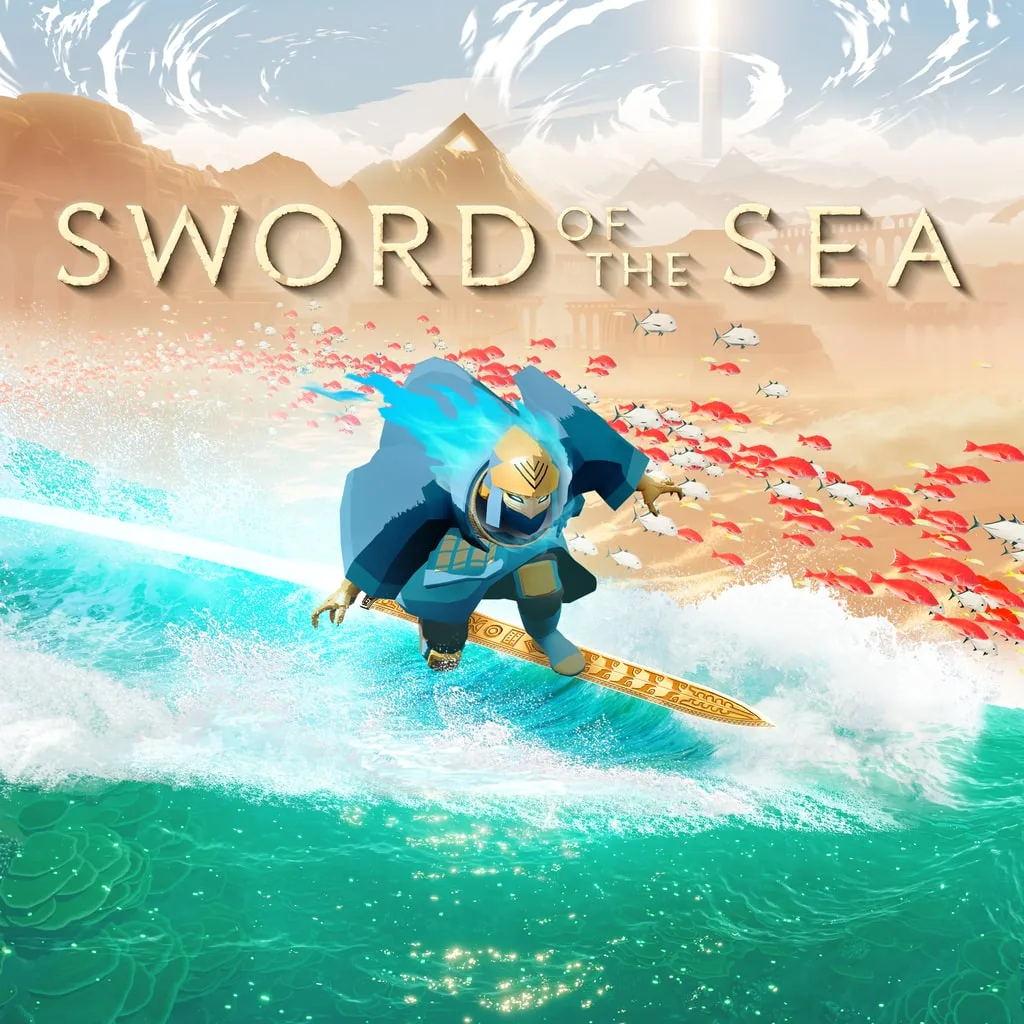 Image: PlayStation
Its forgiving handling is essential to the experience. Landings receive subtle assistance, and the game lets you pass through some obstacles that would stop a conventional skating run. That makes it easier to enjoy a sweeping route through the environment without constantly losing momentum.
There is room for more deliberate trick play. Two-minute score challenges give you a reason to experiment, while a recurring merchant exchanges golden Tetra for additional tricks. Those unlocks add variety and give exploration another purpose, although performing tricks is often satisfying simply because it looks and feels good.
Give the halfpipes time before relying on habits from other skating games. Jump timing behaves differently from Tony Hawk’s Pro Skater, and familiar inputs can interrupt your flow here.
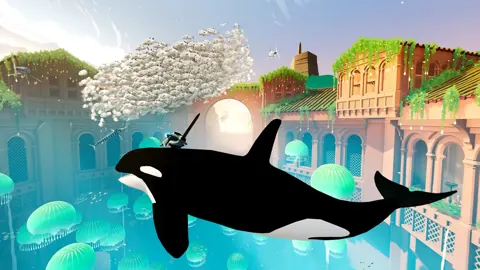
The larger movement set pieces are less consistent. Riding enormous sea creatures delivers spectacle, but their handling can feel cumbersome beside the responsive Hoversword. Platforming sections also slow the pace, particularly when reaching a ledge replaces the freedom of carving through open terrain.
A World That Changes Beneath Your Board
Restoring the ocean gives progression a visible payoff. Activate mechanisms, open routes, and watch barren spaces fill with water, vegetation, and marine life. These transformations also reshape your surroundings, with water becoming a route into new spaces.
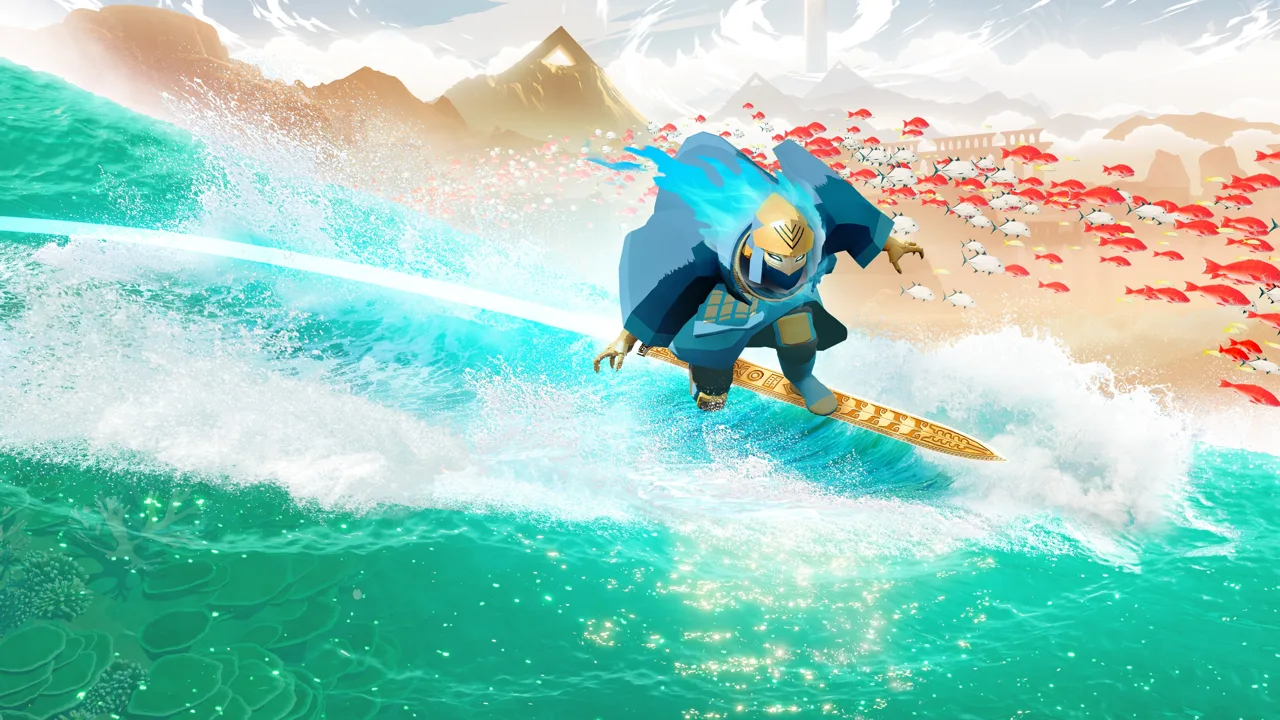 Image: PlayStation Store
The environments range from sunlit deserts to glacial mountains and underground ruins. Their appeal comes from color, scale, and movement: dunes behave like swells, wildlife streams through restored areas, and monumental structures give you distant landmarks to ride toward.
Navigation relies heavily on the environment. Red banners draw attention to important routes, while chains connect spaces and later become surfaces you can grind. Follow those visual cues when you want to advance, then explore the edges when you feel like hunting secrets.
The Wraith’s story unfolds through tablets, murals, environmental details, and cinematic sequences. It is self-contained, with connections that give returning fans of Giant Squid’s earlier work extra details to recognize.
That approach leaves the narrative open to different reactions. The restoration of a ruined world gives your actions a clear purpose, but players looking for extensive dialogue and detailed character development will find a much lighter style of storytelling. Dramatic action sequences provide more direct stakes, occasionally at the expense of the quieter exploration.
Austin Wintory’s Score Deserves Your Attention
Austin Wintory’s soundtrack is central to the adventure’s atmosphere. Orchestral passages and featured instruments accompany both reflective exploration and larger cinematic moments, giving the changing landscapes an emotional rhythm.
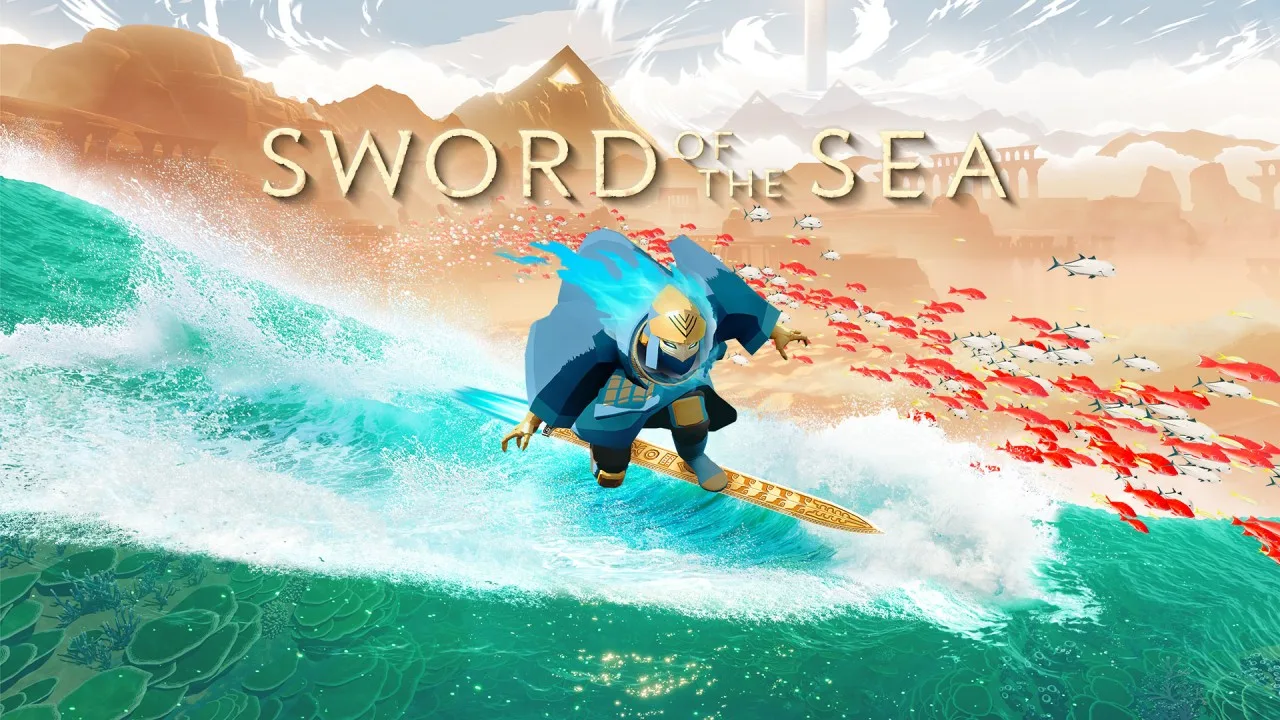 Image: Nintendo
The score earned a Grammy, celebrated in a February 4, 2026 developer announcement. Its contribution reaches beyond individual dramatic scenes: music helps sustain the sense of motion across stretches where your main activity is simply riding forward.
Sound effects add texture to that movement. Sand, water, and ice each give travel a different character, while marine life helps restored environments feel inhabited.
Play with the music audible alongside the environmental effects. The Steam version includes separate volume controls, so adjust the balance to keep both present.
DualSense haptics add another layer by communicating the surface beneath your blade. On PC, disable Steam Input to use the game’s full DualSense support.
Length, Collectibles, and the Price Question
This is a compact adventure. Focused story playthroughs can finish in 2–3 hours, while slower exploration can take six hours. Chasing every collectible can extend that further.
The $29.99 price discussed around launch makes length a fair consideration. If you want a substantial campaign with frequent mechanical changes, the short runtime and repeated activation puzzles are meaningful drawbacks. If you enjoy atmospheric adventures that fit into a few sittings, the concentrated pacing is part of the attraction.
There are reasons to return after the credits:
- New Game+: Start another playthrough with more to pursue.
- Chapter select: Revisit individual areas.
- Collectibles: Search for 50 shells and other hidden discoveries.
- Trick unlocks and score challenges: Spend Tetra and experiment with additional moves.
- Achievements: The Steam version includes 48 achievements.
Collectible tracking makes cleanup easier. The September 19, 2025 update added trackers to chapter select and the New Game+ pause screen.
Keep shell hunting separate from a timed run. The Speed Surfer trophy targets a completion under two hours, so optional exploration works against that goal. Learn the routes during a relaxed playthrough, then skip collectibles and optional activities when pursuing speed.
What Patch 1.6 Changes for PC Players
Patch 1.6 arrived on October 29, 2026, adding several practical improvements to the PC version.
| Patch 1.6 change | What it adds |
|---|---|
| Steam Deck Verified status | Verified compatibility for Steam Deck |
| DLSS support | An additional graphics technology option |
| Performance improvements and optimizations | Updates to game performance |
| Additional graphics presets | More preset choices for configuring visuals |
| Expanded graphics-setting impact | Greater effect from graphics adjustments |
| Haptics improvements | Updates to controller feedback |
Steam Deck Verified status gives handheld players a useful compatibility signal. DLSS support and expanded graphics options also give PC players more ways to configure the game, without establishing a particular frame rate for every machine.
Earlier updates improved resolution selection, camera behavior, photo mode, and achievement handling. The September 23, 2025 patch specifically fixed an achievement-awarding issue when starting the final level through chapter select.
Install the current build before beginning collectible cleanup or achievement attempts. Use the chapter trackers to choose your next area, and save photo mode for the scenery you want to linger over. You can find the Windows version on the Sword of the Sea Steam page.
Continue with
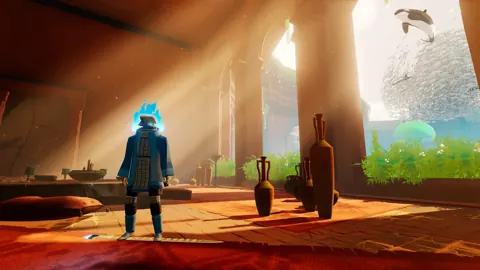 Sword of the Sea Walkthrough: Chapters and CollectiblesUse this Sword of the Sea walkthrough to restore water, find secret shells, unlock vendor rewards, and prepare for Tornamun and a New Game Plus speedrun.
More in Guide

Sword of the Sea Beginner Guide: 9 Tips to Start Strong
Use this Sword of the Sea beginner guide to master Hoversword movement, earn Tetra, unlock tricks, find secret shells, and plan your adventure with ease.
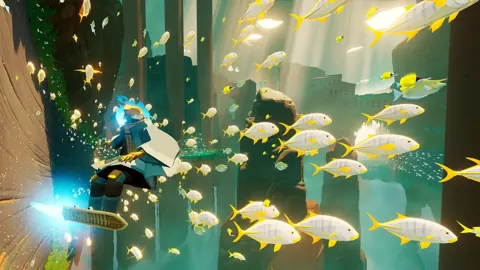
Sword of the Sea Chapter Select: Unlocks & Replay Guide
Unlock Sword of the Sea chapter select, revisit all eight chapters, track missing collectibles, and avoid replay mistakes during your New Game Plus run.
Sword of the Sea Discord: Community and Help Guide
Looking for Sword of the Sea Discord? Find official starting points, get help with collectibles, and explore the latest gameplay updates for PC and PS5.
Sword of the Sea How Long to Beat: Story & 100% Time
Sword of the Sea how long to beat guide: compare story and completion times, plan your New Game+ run, and cut down collectible and trophy cleanup time.
Continue exploring
Sword of the Sea Reddit: Gameplay, Tips, and Fixes
Looking for Sword of the Sea reddit tips? Explore Hoversword gameplay, the Elasmosaur Rider trophy route, collectible trackers, and important patch fixes.
Sword of the Sea Keeps Crashing? Fixes to Try on PC
Sword of the Sea keeps crashing? Try PC troubleshooting, check Intel Arc startup errors, and work through console fixes without deleting your save data.
Join the community
Official channels for news, updates and player help: