
Sword of the Sea Reddit: Gameplay, Tips, and Fixes
Looking for Sword of the Sea reddit tips? Explore Hoversword gameplay, the Elasmosaur Rider trophy route, collectible trackers, and important patch fixes.
Jump to
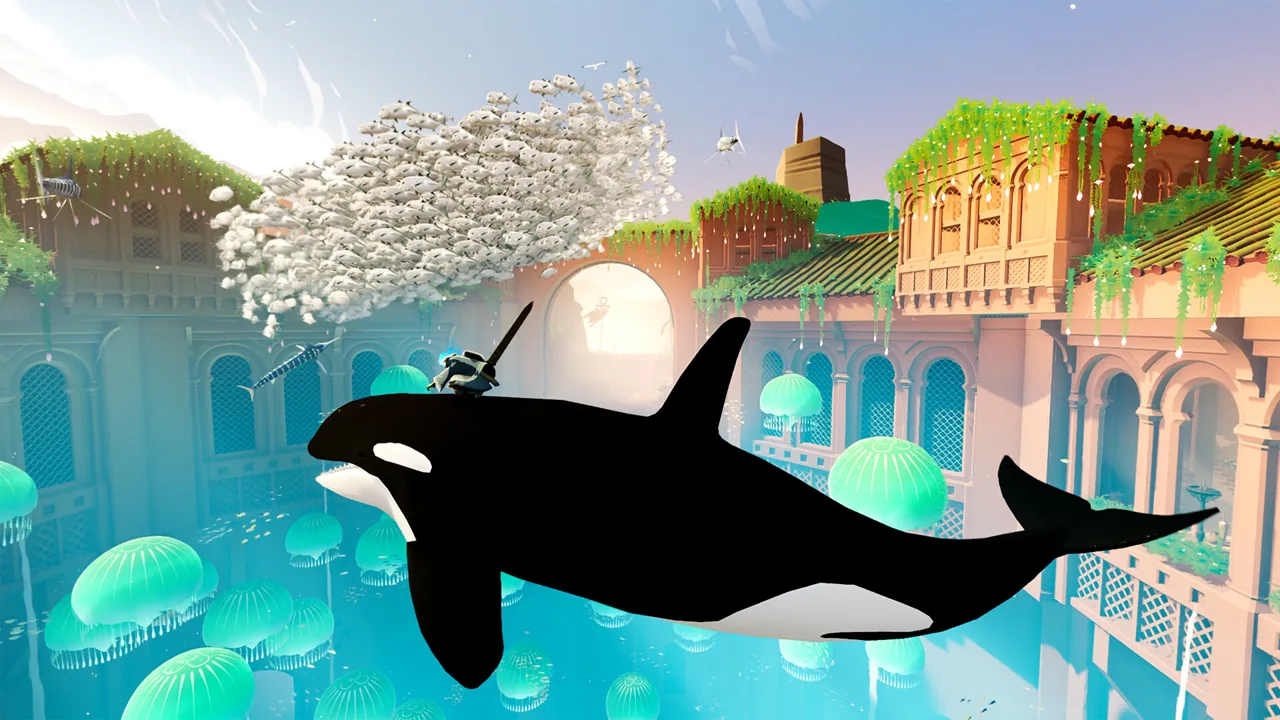
What Kind of Game Is Sword of the Sea?
If you’re searching for Sword of the Sea reddit discussions before playing, expect an atmospheric surfing adventure centered on movement, exploration, and restoring an ancient ocean. Your Hoversword combines the feel of a skateboard, snowboard, and surfboard as you cross rolling deserts and glacial mountains. For trophy hunting or technical help, your installed patch matters because updates have changed collectible tracking, achievement triggers, and PC graphics options.
You play as the Wraith, resurrected in the Necropolis and sent into a landscape hiding the remains of a lost culture. Restoring water brings marine life back to environments filled with tombs, ruins, and secrets.
Movement gives the adventure its pace. Build momentum, launch from wave crests, and use ramps, halfpipes, and wall rides to work flips, spins, and grabs into your route. Look beyond the direct path when exploring: the environments contain secrets alongside their open surfing spaces.
Giant Squid developed the game, with creative direction from Matt Nava and music by Austin Wintory. It is single-player, and the Windows version launched on August 19, 2025.
How to Unlock Elasmosaur Rider
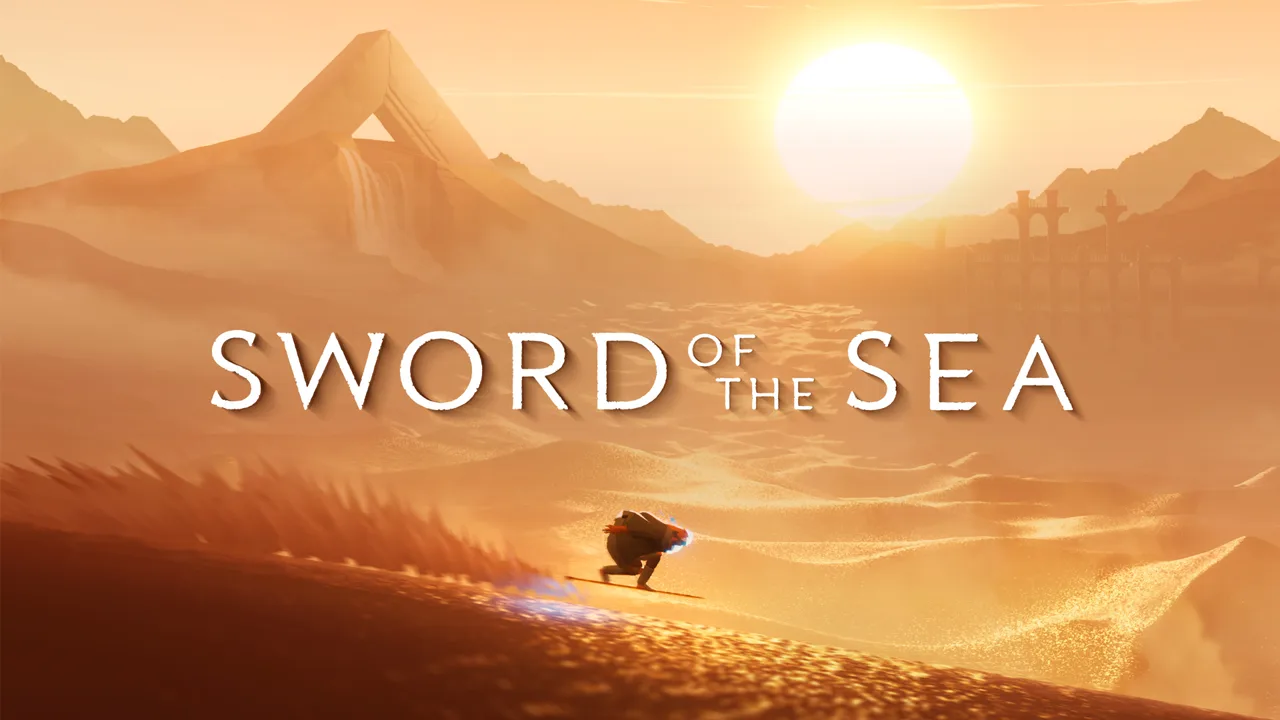 Image: swordoftheseagame.com
Location spoilers for Chapter 4 follow.
The Elasmosaur Rider trophy requires riding an elasmosaur for the first time. Head to Chapter 4, the Shadow Tundra, and use the humpback whale encounter as your landmark.
- Continue beyond the humpback whale and exit the large cave.
- Climb the first mountain in front of you.
- Face downhill and locate the platform on your left.
- Make a large jump to the lower platform, where you’ll find another cave entrance.
- Enter the cave and look to your right for a large skeleton.
- Activate the water point at the skeleton’s mouth to make the elasmosaur appear.
- Jump onto an elasmosaur, then jump off to complete the trophy sequence.
Use the skeleton’s mouth as your final navigation cue. Reaching the cave is only part of the route; activating its water point brings the creature into the area.
Collectible Trackers and Achievement Fixes
The Steam version has 48 achievements. For collectible cleanup, use the chapter select tracker added in the September 19, 2025 update. That update also added a pause-screen collectible tracker in new game plus.

Check those counters before choosing a chapter to revisit. They give you an in-game way to review collectible progress while planning your next run.
Several older achievement problems also received fixes:
- September 19, 2025: Incorrect collectible totals could prevent an associated trophy from triggering. The update corrected that issue.
- September 23, 2025: An achievement or trophy could fail when the final level was launched through chapter select. That trigger received a separate fix.
Update the game before repeating a completion attempt affected by either problem. When restarting the last chapter or launching it through chapter select, the September 19 update also skips its introductory cutscene, shortening repeated attempts.
PC and Steam Deck Changes in Patch 1.6
Patch 1.6, released on October 29, 2026, includes several changes relevant to performance, controller feedback, and handheld play.

| Feature | Patch 1.6 change |
|---|---|
| Steam Deck | Added Steam Deck Verified status |
| Upscaling | Added DLSS support |
| Performance | Added improvements and optimizations |
| Graphics options | Added presets and expanded the impact of graphics settings |
| Controller feedback | Improved haptics |
| Photo mode | Improved autofocus behavior and maximum focal distance |
For PC troubleshooting, include your GPU, resolution, and selected graphics preset when describing a problem. Those details help distinguish performance questions from controller or display issues.
The Windows version requires DirectX 12, an AVX2-capable CPU, at least 12 GB of RAM, and 15 GB of storage. Compare your hardware with the requirements on the Sword of the Sea Steam page before adjusting graphics options.
For full DualSense support on Steam, disable Steam Input. Photo mode also has separate horizontal inversion, vertical inversion, and camera sensitivity options, so adjust those independently if its camera feels different from normal gameplay.
Continue with
 Sword of the Sea Review: Is This Surfing Trip Worth It?Sword of the Sea review explores Hoversword surfing, story, replay value, and Patch 1.6 changes to help you decide whether this short adventure is for you.
More in Guide

Sword of the Sea Beginner Guide: 9 Tips to Start Strong
Use this Sword of the Sea beginner guide to master Hoversword movement, earn Tetra, unlock tricks, find secret shells, and plan your adventure with ease.
Sword of the Sea Chapter Select: Unlocks & Replay Guide
Unlock Sword of the Sea chapter select, revisit all eight chapters, track missing collectibles, and avoid replay mistakes during your New Game Plus run.
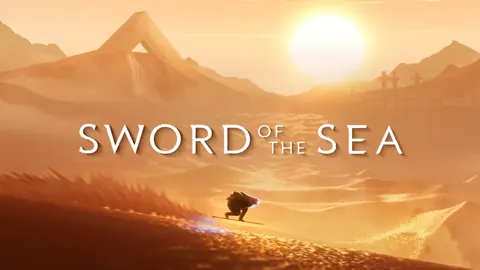
Sword of the Sea Discord: Community and Help Guide
Looking for Sword of the Sea Discord? Find official starting points, get help with collectibles, and explore the latest gameplay updates for PC and PS5.
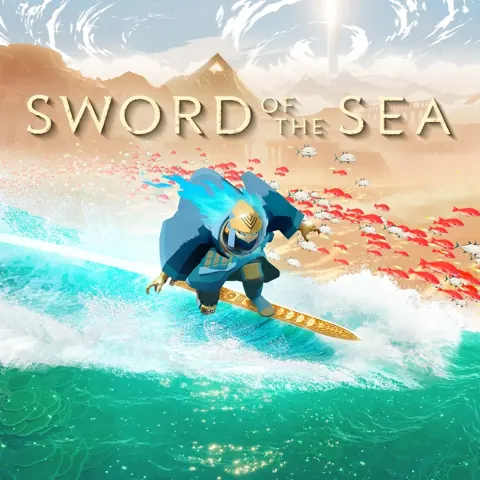
Sword of the Sea How Long to Beat: Story & 100% Time
Sword of the Sea how long to beat guide: compare story and completion times, plan your New Game+ run, and cut down collectible and trophy cleanup time.
Join the community
Official channels for news, updates and player help: