
Sword of the Sea Chapter Select: Unlocks & Replay Guide
Unlock Sword of the Sea chapter select, revisit all eight chapters, track missing collectibles, and avoid replay mistakes during your New Game Plus run.
Jump to
How to Unlock Chapter Select
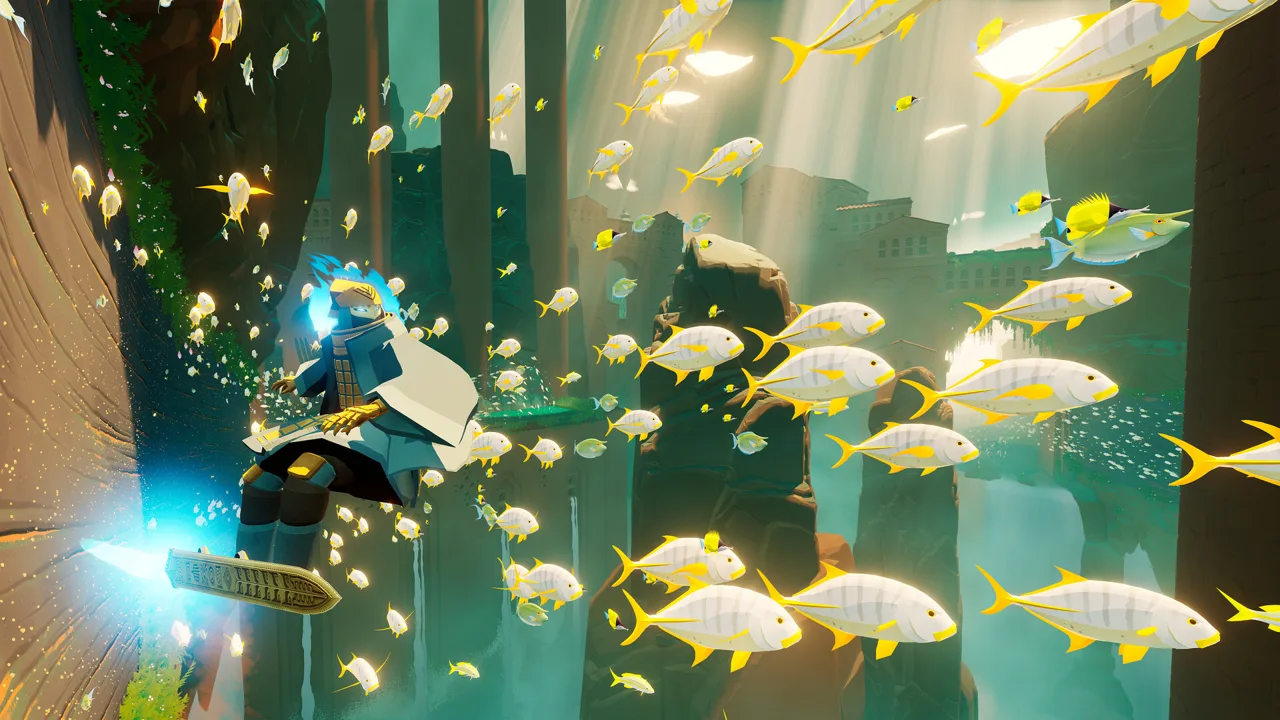
Sword of the Sea chapter select unlocks after you finish the story, letting you revisit all eight chapters without repeating the entire adventure. Use it to collect missed shells, finish exploration trophies, or practice the final boss. Complete any active New Game Plus run before jumping between chapters, because using Chapter Select resets that playthrough’s progress.
To unlock chapter replays:
- Finish the adventure through the final chapter, Sky Abyss.
- Watch the credits and reach the results screen showing your completion time and score.
- Choose Chapter Select to replay a chapter, or select New Game Plus to begin another complete playthrough.
You don’t need to collect every secret before finishing the story. Collectible progress carries over, so you can return for anything you missed.
Official page: Sword of the Sea (swordoftheseagame.com)
All Eight Chapters in Story Order
The adventure runs from Veiled Sea to Sky Abyss. For shell cleanup, the first seven chapters contain 49 secret shells between them; the remaining shell comes from the mysterious vendor.
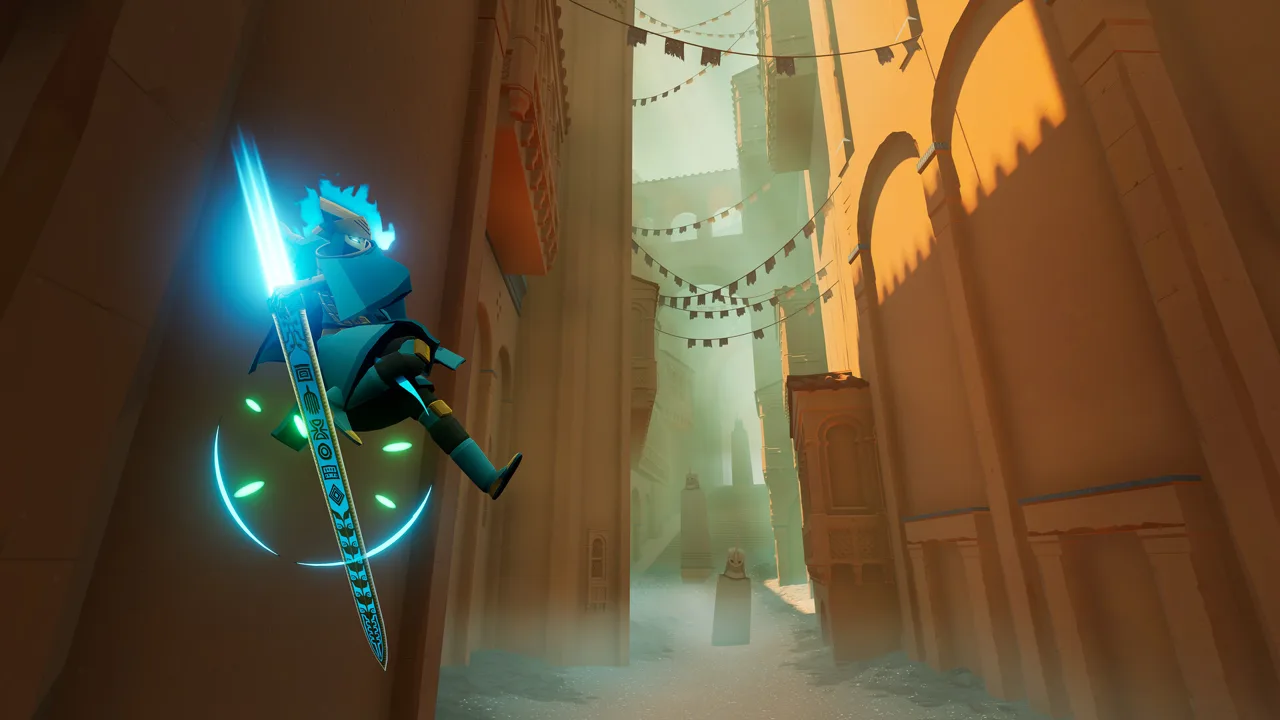 Image: Steam / Giant Squid
| Chapter | Area | Secret Shells in the Area |
|---|---|---|
| 1 | Veiled Sea | 10 |
| 2 | Lost Grotto | 11 |
| 3 | Forbidden Valley | 1 |
| 4 | Shadow Tundra | 10 |
| 5 | Frozen Drifts | 1 |
| 6 | Sacred River | 11 |
| 7 | Boiling Cavern | 5 |
| 8 | Sky Abyss | 0 |
Sky Abyss contains no collectibles. Choose that chapter for the finale and boss practice rather than shell hunting.
For trick attack cleanup, return to Veiled Sea, Lost Grotto, Shadow Tundra, and Sacred River. Each contains one of the game’s four trick attack areas. Interact with the stone pillar inside each area to reveal its timed challenge.
Track Missing Collectibles and Finish Cleanup
The September 19, 2025 Steam update added a collectible tracker to the chapter select screen and another to the pause screen in New Game Plus. It also fixed an incorrect collected-item count that could prevent an associated trophy from unlocking.
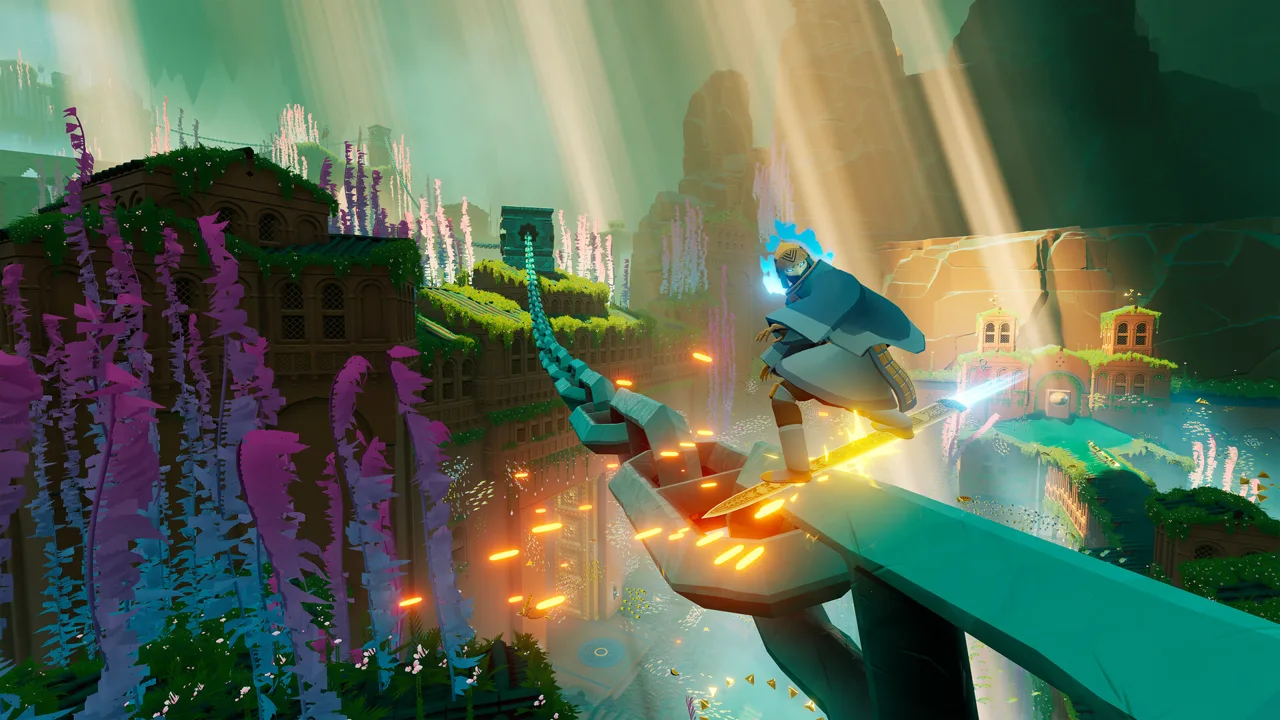 Image: Steam / Giant Squid
Use the chapter tracker to choose your next destination instead of searching every area again. Older instructions saying there is no per-chapter tracker predate this update.
What Carries Over—and What Resets
Collected-item progress carries between playthroughs, but Water Points reset whenever you replay a chapter. To earn a chapter’s water-restoration trophy, activate every Water Point in that chapter during the same visit.
Keep these differences in mind while cleaning up:
- Secret shells: Collect missed shells through chapter replays or New Game Plus.
- Stele messages: There are 23 to read. Their yellow lettering resets during replays, so the lettering alone won’t tell you which messages you previously activated.
- Treasure chests and fish tiles: These become available again during chapter replays, providing more Tetra.
- Vendor rewards: Trade progress carries over, allowing you to continue earning rewards across replays.
Restore the water before attempting awkward shell routes. Returning water changes the environment and can make nearby secrets easier to reach.
Get the Vendor’s Final Shell
The vendor requires 8,550 Tetra total across all five rewards. The final reward costs 5,000 Tetra and supplies the 50th secret shell.
Replay Frozen Drifts or Sacred River if you still need currency. In Frozen Drifts, activate optional Water Points and break crystals along the route. In Sacred River, restore main and optional Water Points, then collect the Tetra that appears around the area.
Finding all 50 shells unlocks water rails throughout the game, extending the ability beyond Sacred River.
Keep Chapter Replays Separate From New Game Plus
For New Game Plus Completed, select New Game Plus and finish the full adventure through the credits. Using Chapter Select during that run resets its playthrough progress.
 Image: Steam / Giant Squid
Finish exploration cleanup before beginning a dedicated speedrun. That lets you concentrate on moving through the story while pursuing Speed Surfer, which requires completing the adventure in under two hours.
Finishing under two hours also awards a 2x completion-score bonus. For Great Score, that means 500,000 points earned during gameplay can become the required 1,000,000 points at completion. Keep your previous total in mind when pursuing New High Score, which requires beating your own game-wide high score.
Replay Sky Abyss for Untouchable
On Steam, the September 23, 2025 update fixed a trophy/achievement failing to unlock when the final level was entered through Chapter Select. The September 19 update also made the final chapter’s opening cutscene skip when entering through Chapter Select or using Restart Chapter.
Untouchable requires defeating Tornamun without taking a single hit. The attempt covers the entire final level, and the trophy unlocks after the credits.
Practice the full encounter before committing to a clean attempt:
- During the tower climb, avoid the falling rocks. Drop into the tower’s center beneath the platforms to avoid the first wave, then steer through gaps during the later rock section.
- Watch your direction during the tracking laser. Keep moving and avoid abrupt reversals, especially when landing.
- In the fully enclosed water tube, rotate away from the laser. Maintain your movement rather than stopping to collect water bubbles.
- Move through gaps in partial fire waves. Use a charged jump over fire rings that cover the entire tube.
- Finish the encounter and watch through the credits. The trophy is awarded afterward.
If you take damage, restart the final level for another attempt. A yellow screen flash and a brief pause can signal a hit; on PS5, a distinct controller vibration accompanies it.
Continue with
 Sword of the Sea Discord: Community and Help GuideLooking for Sword of the Sea Discord? Find official starting points, get help with collectibles, and explore the latest gameplay updates for PC and PS5.
More in Guide

Sword of the Sea Beginner Guide: 9 Tips to Start Strong
Use this Sword of the Sea beginner guide to master Hoversword movement, earn Tetra, unlock tricks, find secret shells, and plan your adventure with ease.
Sword of the Sea How Long to Beat: Story & 100% Time
Sword of the Sea how long to beat guide: compare story and completion times, plan your New Game+ run, and cut down collectible and trophy cleanup time.
Sword of the Sea How to Save: Slots and PC Backups
Open the pause menu to access saved progress in Sword of the Sea. Resume your file, copy save slots, and back up Windows saves with Steam Cloud.
Sword of the Sea New Game Plus: Unlocks and Carryover
Sword of the Sea new game plus adds Wisp boosts and carries over your skills and Tetra. Learn how to unlock it, track shells, and earn replay trophies.
Continue exploring
Sword of the Sea Walkthrough: Chapters and Collectibles
Use this Sword of the Sea walkthrough to restore water, find secret shells, unlock vendor rewards, and prepare for Tornamun and a New Game Plus speedrun.
Sword of the Sea PS5: Price, Gameplay, and Playtime
Sword of the Sea PS5 brings fast Hoversword surfing and a short, scenic adventure. Explore pricing, PS5 Pro support, playtime, and New Game Plus features.
Join the community
Official channels for news, updates and player help: