
Sword of the Sea Equipment Guide: Hoversword & Skills
Use this Sword of the Sea equipment guide to master the Hoversword, collect Tetra, learn new tricks, and make better use of water routes and sea life.
Jump to
What Equipment Do You Use in Sword of the Sea?
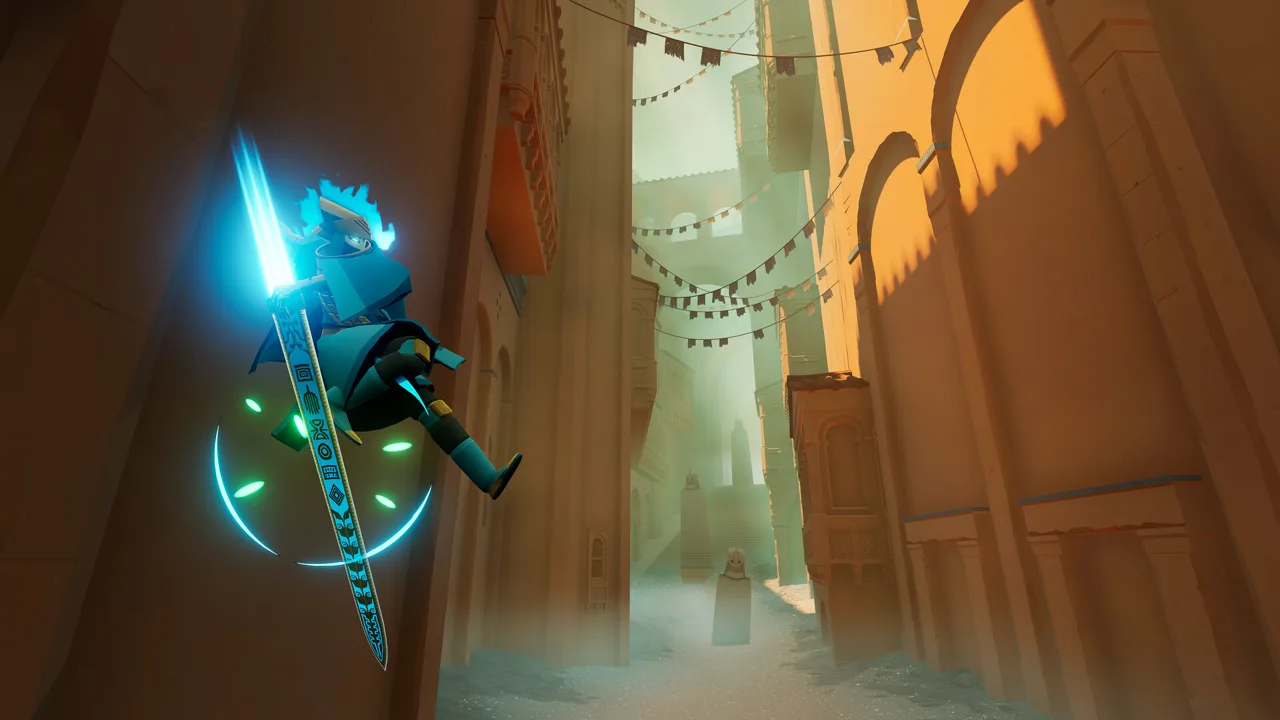
Your Hoversword turns rolling dunes into ramps and restored oceans into fast routes across the world. This Sword of the Sea equipment guide explains how that movement tool connects with Tetra purchases, tricks, and exploration. Understanding those connections helps you reach difficult ledges and make use of the paths revealed by returning sea life.
You play as the Wraith, riding an ancient Hoversword that combines the movement of a skateboard, snowboard, and surfboard. It carries you across sand and water, through skatepark-like ruins, and into environments that include glacial mountains.
The Hoversword’s central mechanic is momentum. Build speed, then use the crests of waves to launch into the air. Halfpipes, ramps, and wall rides give you more terrain to work with, while flips, spins, and grabs expand what you can do during a jump.
Practice in the opening area before chasing difficult secrets:
- Build momentum across open terrain before approaching a launch.
- Use wave crests to practice getting airborne.
- Practice individual tricks before attempting more elaborate sequences.
- Explore grindable surfaces, including ruins and ceramic rooftops.
When a ledge feels difficult to reach, inspect the approach. Look for a ramp, wave crest, or water route that could give you a stronger launch.
Official page: Sword of the Sea (swordoftheseagame.com)
Tetra, Vendors, and New Skills
Tetra are the golden triangles scattered throughout the world. You spend them at mysterious vendors to learn tricks, acquire skills, and open new paths.
 Image: Steam / Giant Squid
Exploration feeds directly into those purchases: vendors and Tetra can sit away from the main route. Take detours through ruins and investigate elevated areas instead of riding straight past them.
Before spending, read what each vendor offers. Choose purchases around your immediate goal: learning another trick, gaining a skill, or opening a path. Put a newly learned trick into practice nearby so you can get comfortable with it before visiting a Trick Attack arena.
Lighting every boat also awards Tetra, a reward added in the August 29, 2025 update. Include that activity in your exploration if you want more currency for vendor purchases.
Hidden Trick Attack arenas give your growing trick repertoire a place to matter. The game tracks trick scores and accounts for how advanced your moves are. Practice using the surrounding terrain to create opportunities for flips, spins, and grabs before pushing for a higher score.
Ocean Seeds Improve Your Traversal Options
Ocean Seeds restore sections of ocean and bring marine life back to the landscape. That transformation changes how you use the Hoversword.
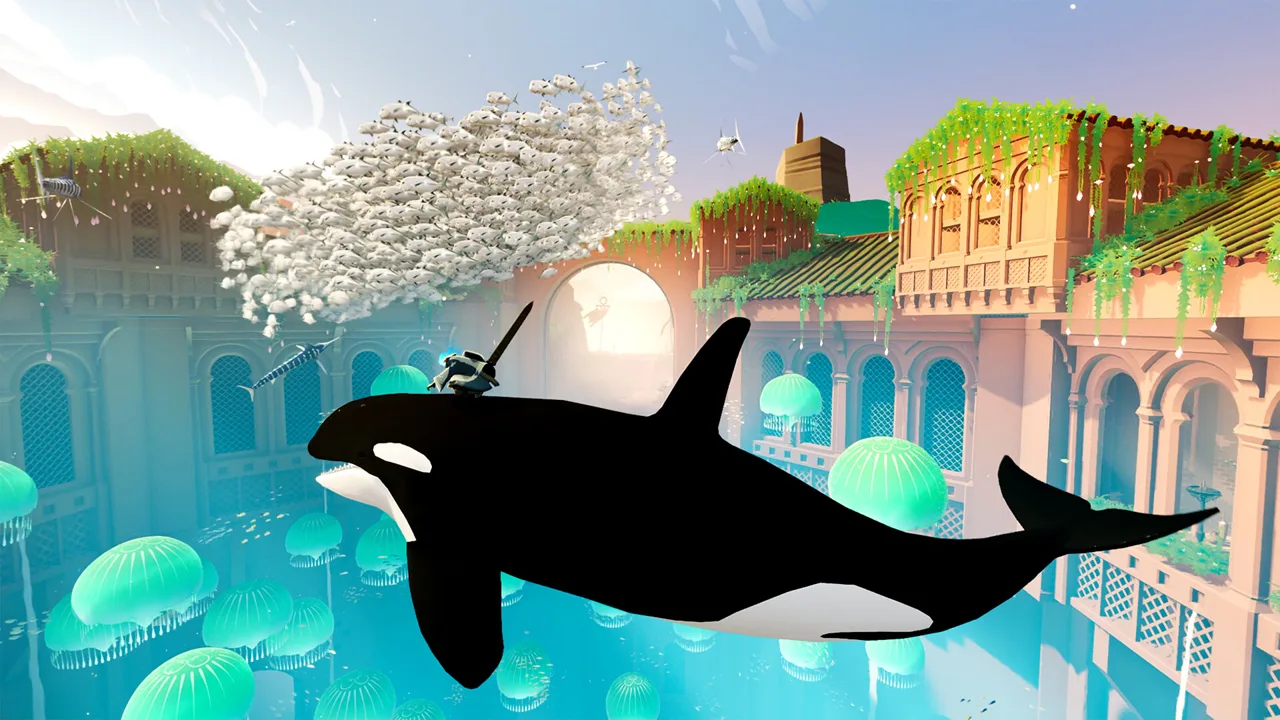 Image: Steam / Giant Squid
The Wraith travels significantly faster on water. That extra speed supports larger jumps and more tricks, making restored stretches worth examining when planning an approach to high terrain.
Returning sea life also creates traversal opportunities:
- Buoyant jellyfish act as jump pads.
- Long strands of seaweed provide climbable routes.
- Restored water routes offer faster approaches to jumps.
After restoring an area, look over the changed landscape before leaving. Follow the water and inspect the returning marine life for routes you can use. For a difficult jump, try approaching from water to take advantage of its higher riding speed.
Controller Support and Hoversword Feedback
Sword of the Sea supports controllers, and a gamepad is recommended on PC. DualSense support adds distinct feedback for different riding surfaces: sand produces a coarse sensation, rooftops have their own tactile and audio response, and water conveys the rush of movement.
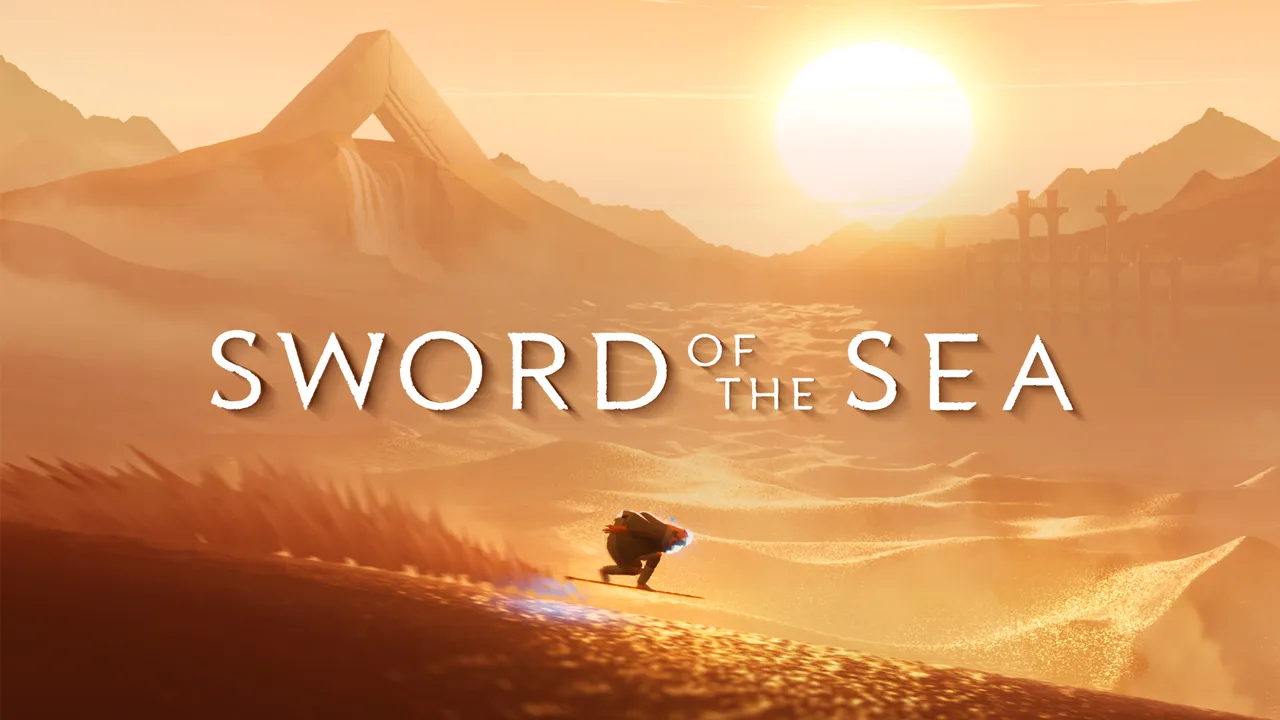 Image: swordoftheseagame.com
Keep haptics enabled if you enjoy feeling those surface changes while riding. On PC, disable Steam Input to use full DualSense support. Patch 1.6, released October 29, 2026, also includes haptics improvements.
If you play on Steam Deck, that same update added Steam Deck Verified status, performance improvements, and additional graphics presets. Adjust the graphics options around smooth movement so you can concentrate on steering, jumps, and trick timing.
Continue with
 Sword of the Sea Vendor Rewards: All Costs & UnlocksSword of the Sea vendor rewards cost 8,550 Tetra in total. See every purchase, earn currency faster, and get the final secret shell for full completion.
More in Equipment

Sword of the Sea Ancient Armor: Unlock the Water Rail
Unlock Sword of the Sea ancient armor by collecting every shell. Learn what its water rail ability does and how to track down your missing collectibles.

Sword of the Sea Wisp Cloak: Unlock and Boost Guide
Unlock the Sword of the Sea wisp cloak for 5,000 Tetra, learn what its five Wisps do, and find practical ways to earn currency for faster Hoversword rides.
Continue exploring

Sword of the Sea PS5: Price, Gameplay, and Playtime
Sword of the Sea PS5 brings fast Hoversword surfing and a short, scenic adventure. Explore pricing, PS5 Pro support, playtime, and New Game Plus features.
Sword of the Sea Easter Eggs: Hidden Finds to Explore
Explore Sword of the Sea easter eggs, meet the desert rain frog, hunt secret shells, and use collectible trackers to plan your next hunt through the ruins.
Join the community
Official channels for news, updates and player help: