
Sword of the Sea Requirements: PC Specs and Settings
Sword of the Sea requirements explained: compare minimum and recommended PC specs, check AVX2 support, and see how Patch 1.6 changes graphics settings.
Jump to
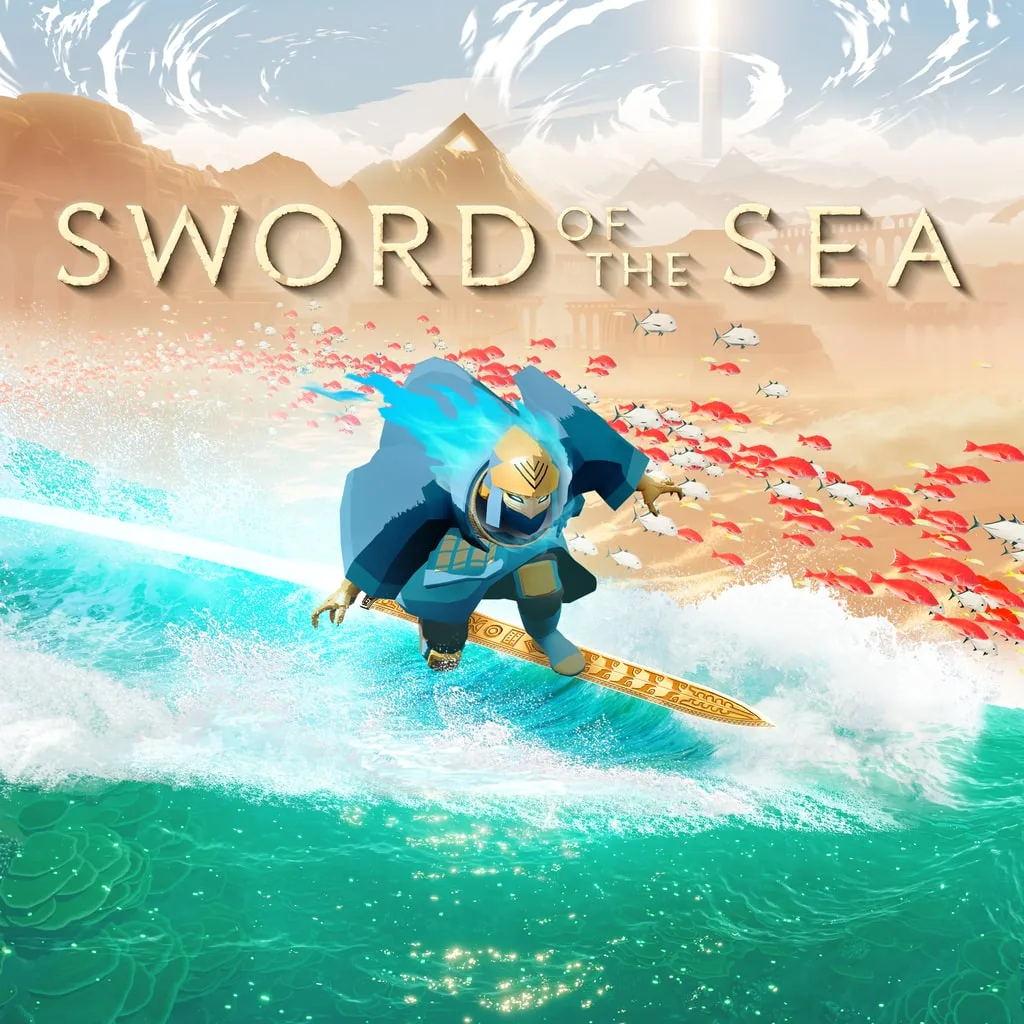
What Does Your PC Need to Run Sword of the Sea?
Sword of the Sea requirements start at a Core i5-9400 or Ryzen 5 2600, 12 GB of RAM, and a GTX 1070-class graphics card. Check your CPU’s AVX2 support before focusing on graphics settings, because that instruction set is required. For a Hoversword adventure built around fast turns, wall rides, and rolling landscapes, getting your hardware and settings ready helps keep the movement fluid.
Both hardware tiers require a 64-bit processor and operating system, DirectX 12, and 15 GB of available storage.
| Component | Minimum | Recommended |
|---|---|---|
| Operating system | Windows 10 | Windows 11 |
| Processor | Intel Core i5-9400 or AMD Ryzen 5 2600; AVX2 required | Intel Core i5-12600K or AMD Ryzen 7 5700X |
| Memory | 12 GB RAM | 16 GB RAM |
| NVIDIA graphics | NVIDIA GeForce GTX 1070, 8GB | NVIDIA GeForce RTX 2080 Ti, 11GB |
| AMD graphics | AMD Radeon RX 5600, 6GB | AMD Radeon VII, 16GB |
| Intel graphics | Intel Arc B570 | Intel Arc B580 |
| DirectX | Version 12 | Version 12 |
| Available storage | 15 GB | 15 GB |
The graphics entries are alternatives: you need one suitable GPU, alongside the processor, memory, and operating system requirements.
Official page: Sword of the Sea (swordoftheseagame.com)
Check CPU Compatibility, RAM, and Graphics Memory
 Image: PlayStation Store
AVX2 support is a separate requirement from having a 64-bit CPU. Check your exact processor model for both before planning to run the game on an older desktop or laptop. Lowering visual quality does not replace the required CPU instruction set.
Keep system RAM and graphics memory separate when comparing your machine with the table. The minimum calls for 12 GB of system RAM, while the GTX 1070 entry specifies 8GB of graphics memory. Those are separate resources, so extra system RAM does not turn an underspecified graphics card into one of the listed models.
Compare the complete GPU name, too. For example, the minimum AMD entry is AMD Radeon RX 5600, 6GB. Match the actual model rather than relying on a similar product name or its memory capacity alone.
For a straightforward pre-install checklist:
- Confirm that your processor supports AVX2.
- Compare installed system RAM with the 12 GB minimum.
- Identify your exact graphics card.
- Reserve 15 GB of available storage.
- Check that your Windows installation is 64-bit.
Patch 1.6 Changes How to Tune Graphics
 Image: Nintendo
Patch 1.6, released October 29, 2026, expanded the impact of graphics settings and added DLSS support. It also introduced additional graphics presets and performance optimizations. Revisit your options after updating, especially if you previously settled on settings during the 2025 release period.
| Patch 1.6 change | What to do |
|---|---|
| Added DLSS support | Try DLSS on compatible hardware and compare clarity during movement. |
| Expanded the impact of graphics settings | Retest quality options instead of assuming they have little effect. |
| Added graphics settings presets | Use a preset as your starting point, then adjust individual options. |
| Performance improvements and optimizations | Update before comparing performance with an older configuration. |
| Steam Deck Verified status | Use the updated build when setting up handheld play. |
When tuning performance, change one option at a time and repeat the same stretch of gameplay. That gives you a useful comparison without mixing a settings change with a completely different scene.
Start with a preset, then examine waves, fish, fog, shadows, and materials individually. Compare both the appearance and responsiveness while surfing. For resolution adjustments or DLSS, look at distant scenery and moving edges as well as a stationary view.
Resolution handling also received improvements on September 19, 2025, including access to the full range of resolutions and better support for multiple-monitor configurations. Revisit the resolution menu if an older setup left you using an unwanted display mode.
Steam Deck and DualSense Setup
Steam Deck gained Verified status in Patch 1.6. The desktop requirements table remains useful for Windows PCs; the handheld now has its own compatibility milestone in the updated build.
 Image: Steam / Giant Squid
On PC, Sword of the Sea supports controllers, including full DualSense support. Disable Steam Input for the game when using its full DualSense support. Patch 1.6 also improved haptics, so update before adjusting your controller setup.
For the Windows version, choose your controller configuration before settling into a graphics comparison. Then test turning, jumping, and surfing with that setup so you can judge responsiveness during the movement you will actually use.
Continue with
 Sword of the Sea Settings Guide: Smoother PC SurfingUse this Sword of the Sea settings guide to tune graphics, improve frame pacing, set up DualSense haptics, and adjust audio after the Patch 1.6 update.
More in Settings

Sword of the Sea Controller or Keyboard? Input Guide
Sword of the Sea controller or keyboard? Compare input options, movement remapping, and DualSense haptics, plus the Steam Input setting to change on PC.
Sword of the Sea DLSS Mod: Use Native Support in 1.6
Searching for a Sword of the Sea dlss mod? Patch 1.6 adds native DLSS. Learn what changed, how Ultra+ differs, and which older fixes to reconsider now.

Sword of the Sea Keeps Crashing? Fixes to Try on PC
Sword of the Sea keeps crashing? Try PC troubleshooting, check Intel Arc startup errors, and work through console fixes without deleting your save data.

Sword of the Sea Performance: PC Settings and Fixes
Improve Sword of the Sea performance with PC graphics settings, DLSS tips, Steam Deck updates, and a clear look at what Patch 1.6 changes for your setup.
Join the community
Official channels for news, updates and player help: