
Sword of the Sea Controller or Keyboard? Input Guide
Sword of the Sea controller or keyboard? Compare input options, movement remapping, and DualSense haptics, plus the Steam Input setting to change on PC.
Jump to
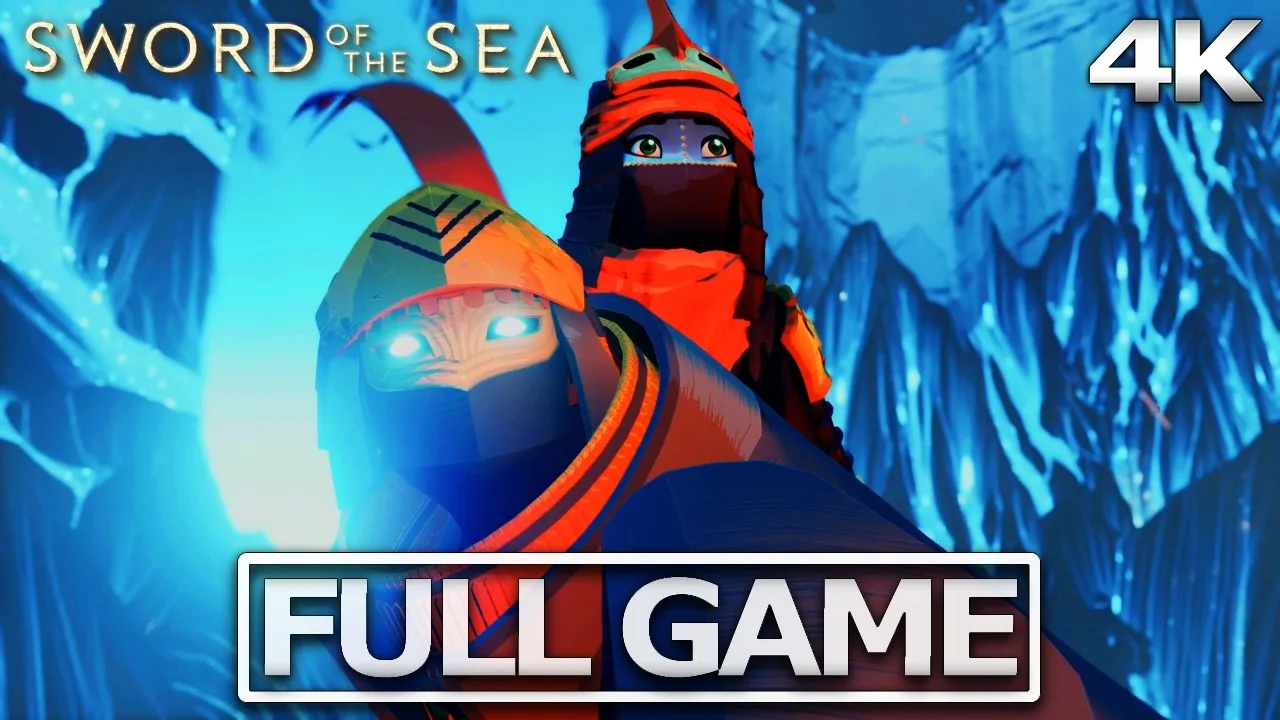
Should You Use a Controller or Keyboard?
If you’re weighing Sword of the Sea controller or keyboard controls, start with a gamepad, especially a wired DualSense. The difference matters when you’re carving across dunes, landing jumps, and feeling the Hoversword move between sand, water, and ice. Keyboard and mouse controls are supported, but movement remapping is limited.
Sword of the Sea has full controller support and a gamepad recommendation. Its movement centers on building momentum, catching air, and flowing through environments, with optional tricks and timed skatepark challenges adding more to practice.
A DualSense adds a particular advantage: terrain-sensitive haptic feedback. Sliding over gravel and rattling across roof tiles feel different, giving the Hoversword’s movement a physical texture beyond what you see onscreen.
Here’s how the supported input options compare:
| Feature | Keyboard and mouse | Controller |
|---|---|---|
| Movement customization | Switch between WASD and arrow keys | Controller remapping supported |
| Camera adjustment | Mouse sensitivity and inverted Y-axis | Controller sensitivity and inverted Y-axis |
| Button prompts | Keyboard and mouse prompts | Xbox and PlayStation prompts |
| Additional feedback | — | Wired DualSense haptics supported |
An Xbox-compatible XInput controller is also supported. Choose that if you already prefer its layout; the distinctive terrain haptics are the reason to consider a DualSense specifically.
Official page: Sword of the Sea (swordoftheseagame.com)
Keyboard Controls and Movement Remapping
The main keyboard limitation is the movement layout: you can switch between WASD and the arrow keys, rather than freely assigning movement to any keys.
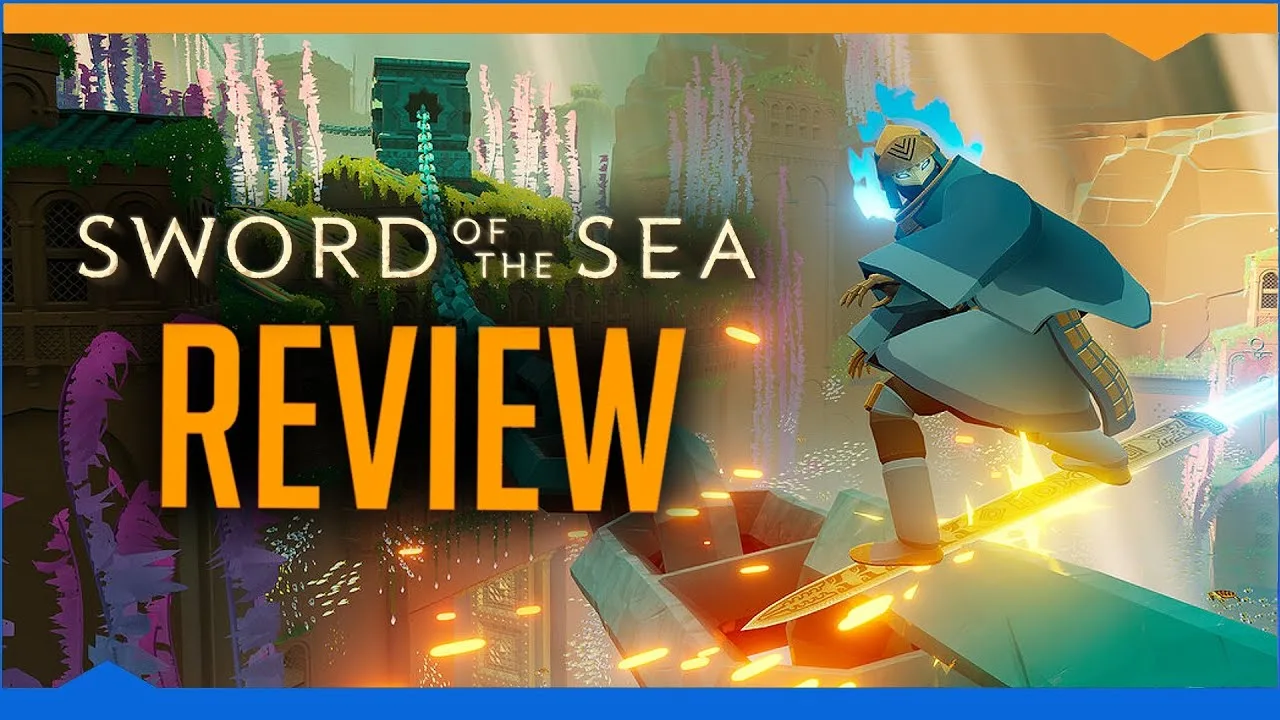
Check that restriction before settling into a playthrough if you use a different layout for comfort or accessibility. Mouse sensitivity, mouse-driven menus, and vertical camera inversion are supported, so you still have camera adjustments available.
Try the supported movement layouts while practicing broad turns and short jumps. Adjust mouse sensitivity until you can follow a landing without swinging the view past it. Keep the movement layout that lets you reach the surrounding action keys comfortably.
You can also combine controller movement with mouse camera adjustment. Try that combination if you like steering with a stick but prefer using a mouse to look around.
How to Get DualSense Haptics Working on PC

Full DualSense support requires disabling Steam Input, and the detailed haptics require a wired connection. Bluetooth controller input is supported, but use a cable for the terrain feedback that makes this controller stand out.
Set it up with these priorities:
- Connect the DualSense using a wired connection.
- Disable Steam Input for Sword of the Sea.
- Adjust the game’s haptic feedback slider, which runs from 0–100, to a comfortable intensity.
- Ride across different surfaces to feel the changes in feedback.
Lower the haptic intensity if the vibration feels distracting. The sensation can be pronounced, particularly when moving between different terrain types.
Patch 1.6, released October 29, 2026, includes haptics improvements. Update the game before troubleshooting feedback on an older build. The September 19, 2025 update also fixed an issue with the analog-stick remapping interface and improved camera rotation assistance in some areas.
Learn the Jump Timing Before Blaming Your Controls
The Hoversword borrows from skateboarding and snowboarding, but familiar skating-game habits do not always transfer cleanly.
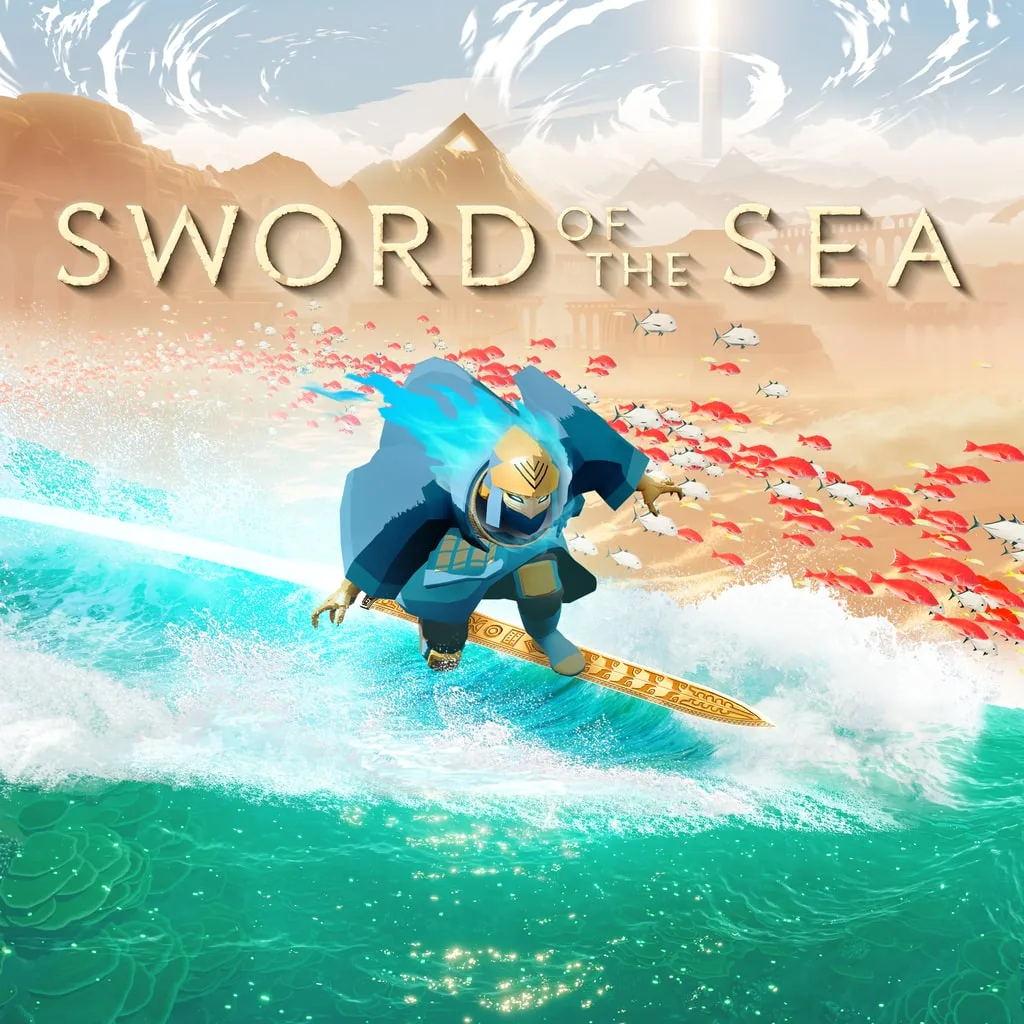 Image: PlayStation
In particular, holding the jump button and releasing it at a half-pipe’s lip can interrupt momentum rather than produce the launch you expect from Tony Hawk’s Pro Skater. Practice the game’s own jump timing on a familiar ramp before changing your input setup.
Build momentum on the approach, watch where the Hoversword leaves the surface, and practice landing before adding flips, spins, or grabs. Tricks offer room for expression during exploration, while the timed skatepark challenges give you a place to chase points.
If the problem is uneven performance rather than button timing, update before comparing input devices. Patch 1.6 added DLSS, performance optimizations, additional graphics presets, and stronger effects from graphics adjustments. Revisit those settings on the updated build before judging how responsive either control method feels.
Continue with
 Sword of the Sea DLSS Mod: Use Native Support in 1.6Searching for a Sword of the Sea dlss mod? Patch 1.6 adds native DLSS. Learn what changed, how Ultra+ differs, and which older fixes to reconsider now.
More in Settings
Sword of the Sea Keeps Crashing? Fixes to Try on PC
Sword of the Sea keeps crashing? Try PC troubleshooting, check Intel Arc startup errors, and work through console fixes without deleting your save data.
Sword of the Sea Performance: PC Settings and Fixes
Improve Sword of the Sea performance with PC graphics settings, DLSS tips, Steam Deck updates, and a clear look at what Patch 1.6 changes for your setup.
Sword of the Sea Requirements: PC Specs and Settings
Sword of the Sea requirements explained: compare minimum and recommended PC specs, check AVX2 support, and see how Patch 1.6 changes graphics settings.
Sword of the Sea Settings Guide: Smoother PC Surfing
Use this Sword of the Sea settings guide to tune graphics, improve frame pacing, set up DualSense haptics, and adjust audio after the Patch 1.6 update.
Join the community
Official channels for news, updates and player help: